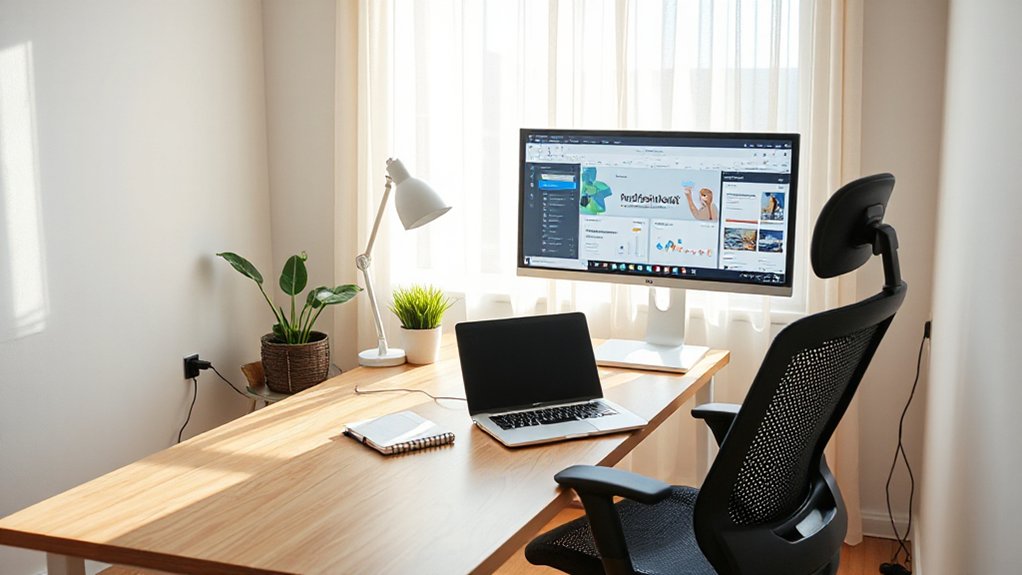

To boost your productivity at home, start by setting clear weekly goals and concrete outcomes, then create a distraction-free layout with distinct focus and break zones. Optimize lighting for energy and mood, and choose ergonomic gear that fits your space. Build simple daily habits and use sound, color, and tech tweaks to sustain focus. Track outcomes and adjust boundaries as you go. Keep refining your setup and you’ll uncover steady momentum—more insights await if you keep exploring.
Define Your WFH Productivity Goals
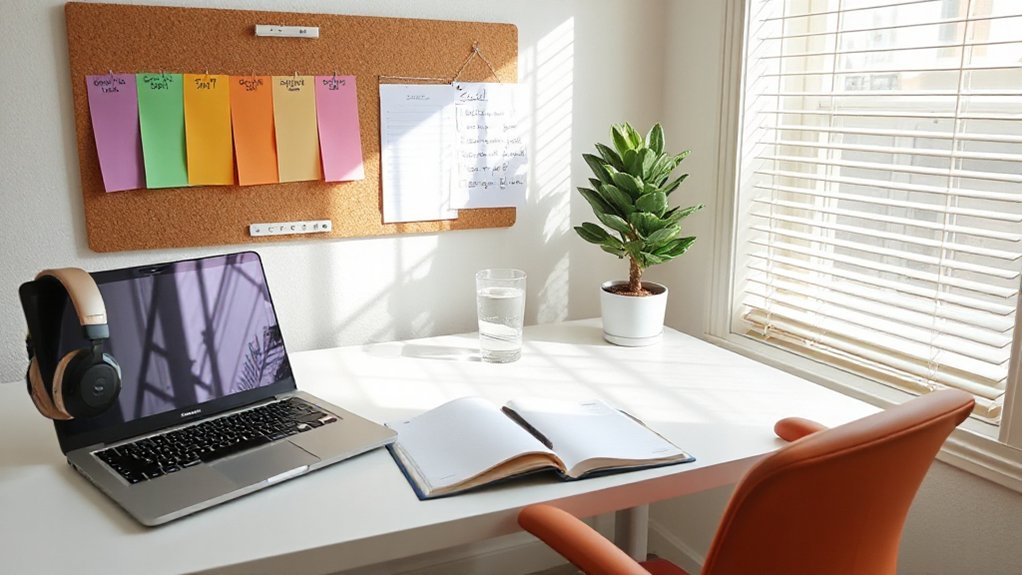
To start strong, set 2–3 concrete outcomes you want to achieve each week and tie them to your role’s core metrics. You’ll define WFH productivity goals with precision, then measure progress against them.
Begin with a weekly target for output, quality, and timeliness, mapped to key performance indicators you actually track. Use goal setting to anchor your daily tasks, avoiding scope creep and unnecessary work.
Break larger objectives into actionable milestones, assigning owners and deadlines to maintain accountability.
Track efficiency strategies by logging time spent on high-impact activities versus distractions, and adjust your plan weekly based on data.
Prioritize clarity over perfection, and communicate goals with stakeholders so feedback informs adjustments.
This data-driven approach keeps you focused, productive, and aligned with organizational priorities.
Design a Distraction-Free Layout That Supports Focus
A distraction-free layout starts with a deliberate workspace design that minimizes interruptions and supports deep work. You create zones that separate thinking from routine tasks, using clear vertical and horizontal organization to reduce search time.
Start with a sturdy desk, ergonomic chair, and a dedicated computer for work; keep personal devices in a separate area to prevent spillover. Apply noise reduction tactics—soft flooring, acoustic panels, and targeted white noise—to minimize auditory intrusion without isolating you from teammates.
Implement clutter control through daily resets: a inbox, a trash bin, and a single tray for current projects. Store supplies out of sight and label everything.
Finally, ensure cable management is tidy and consistent to avoid visual distractions that break concentration.
Optimize Lighting for Energy and Mood
Leverage natural light placement to reduce energy use while keeping your workspace bright and balanced throughout the day. Use layered lighting techniques to adapt for tasks, timing, and mood, so you’re never stuck in the wrong brightness level.
Choose mood-boosting color temperatures and contrast to support focus and energy, then measure results to refine your setup.
Natural Light Placement
Where should you place windows and desks to maximize natural light, energy savings, and mood during your workday? Position your desk to face or near a window with unobstructed daylight. Aim for daylight exposure on your work surface during peak sun hours, reducing artificial lighting by up to 60% in typical conditions.
Use sheer curtains to modulate glare without sacrificing visibility, and implement adjustable blinds for seasonal changes. Favor east- or south-facing windows for consistent morning to early-afternoon light, avoiding harsh afternoon glare.
Pair natural light with a color temperature in the 4000–5000K range when needed for tasks requiring focus. Track results by noting task completion and energy use before and after changes.
Focus on natural light, sunlight positioning, and measurable comfort gains.
Layered Lighting Techniques
Layered lighting balances ambient, task, and accent layers to boost energy efficiency and mood. You optimize your setup by pairing dimmable overheads with focused task lighting at your desk, ensuring no glare on screens.
Measure illumination with a simple lux meter: aim for 300–500 lux on the work surface, and 100–300 lux in surrounding zones. Use daylight-matched LEDs to reduce color distortion and energy use.
Place task lighting at a comfortable 15–25 inches from your hands and slightly to the side to avoid shadows. Incorporate layered lighting controls, so you can switch modes for focus or collaboration without bright overheads.
Prioritize task lighting for detail work; reserve ambient and accent lights for depth and reduced fatigue. Monitor energy consumption and adjust as needed.
Mood-Boosting Color Temperature
Mood-boosting color temperature helps you stay alert without drifting into fatigue, so choose lighting that shifts from cooler tones in the morning to warmer tones as the day progresses.
Start with cool white (4000–5000K) to support focus during high-demand tasks, then switch to warm white (2700–3000K) for afternoon collaboration and semi-private work.
Align color temperature with circadian cues: brighter, cooler lighting in the first half of the day and softer, warmer lighting later reduces perceived workload and eye strain.
Pair temperature changes with dimming to control intensity. Use smart controls to automate schedules and keep consistency.
This approach improves mood, reduces fatigue, and supports longer focus blocks.
For relaxation, incorporate a dedicated, warmer lighting zone.
Mood boosting color temperature directly affects productivity, clarity, and energy.
Choose Ergonomic Gear That Fits Your Space
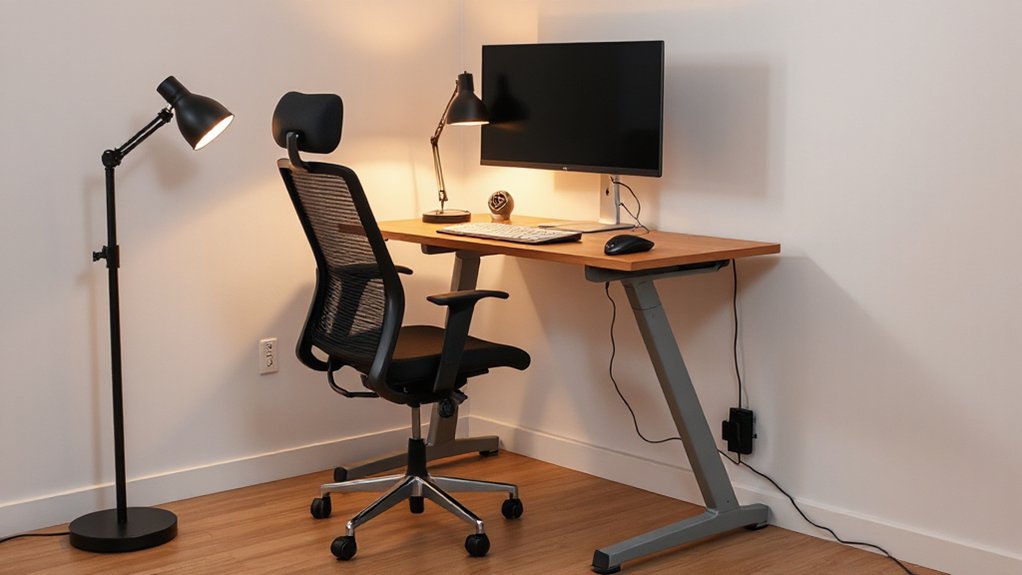
Start with a compact desk layout that fits your space and keeps essential tools within arm’s reach.
Fit the chair to your dimensions and task needs, validating comfort with posture checks after 10-minute work blocks.
Tighten cable management to reduce clutter and simplify adjustments as your setup evolves.
Select Compact Desk Layout
To fit a compact desk layout, prioritize ergonomic gear that delivers full functionality in a tight footprint: a compact, adjustable chair, a sit-stand converter or small desk with a height range, and a monitor arm that positions the screen at eye level.
You should measure your space and choose space-saving furniture that fits within standard doorway dimensions, ensuring easy setup and unobstructed movement.
Data shows that switching to a height-adjustable surface reduces neck strain by over 30% and increases task focus.
Opt for a depth-constrained desk that leaves room for keyboard, mouse, and document space without crowding.
Pair with a monitor arm and cable management to maintain clean lines and stable posture throughout the workday.
Fit Chair To Space
Choosing an ergonomic chair that fits your space starts with measuring your area and matching chair depth, width, and arm reach to your desk setup. You’ll quantify clearance, seat height range, and backrest contour against your torso and monitor alignment.
Prioritize ergonomic seating that supports natural posture without crowding the workflow. Favor adjustable furniture that lets you fine-tune seat depth, lumbar support, and arm rests to maintain 90-degree elbows and a level keyboard.
Test footprint in your actual workspace, accounting for doorways and foot traffic. Seek chairs with compact profiles for small rooms and scalable options for expanding setups.
Document specs and compare against minutes of use, task variety, and focus bursts. This data-driven approach reduces fatigue and enhances long-term productivity.
Optimize Cable Management
Good cable management boosts both safety and productivity: map your desk footprint, group power and data cables by function, and choose sleeves, ties, and trays that keep wires off the floor and out of footpaths.
You’ll start by evaluating outlet density and device placement, then select a single vertical or under-desk raceway to minimize crossovers.
Prioritize cable concealment behind monitor arms and chassis, keeping high-flex cables near the edge to reduce strain.
Implement cord organization with labeled bundles for power, USB, and Ethernet, so future upgrades stay tidy.
Use modular sleeves to adapt to changing gear, and secure cables with short runs to reduce sag.
Regular audits prevent tangles, inches wasted, and hidden heat buildup that impairs performance.
Create Clear Work and Break Zones
A clear separation between work and break zones helps you reset and maintain focus throughout the day. To implement this, define distinct areas for focused tasks and for rest, then enforce physical and visual cues. Use a door, room divider, or curtains to signal shifts, and color-code materials to reinforce zone differentiation.
Establish clear start and end times, and place reminders at the boundary—timers, task lists, or a dedicated break chair. Track outcomes by noting task completion rates and break quality after shifts, adjusting boundaries as needed.
Prioritize ergonomic placement for the work zone and a relaxing setup for the break zone. Guarantee cables, lighting, and acoustics support uninterrupted work in the first zone while avoiding spillover into downtime. Regularly reassess workspace boundaries for continuous gains.
Build Simple Habits for a Steady Work Rhythm
To build a steady work rhythm, start with two or three simple daily habits you can reliably repeat, then scale up. You’ll anchor productivity by consistent cues, not heroic sprints. Track time blocks and success rates to validate a rhythm you can sustain.
Prioritize time management by documenting start times, break times, and completion signals for key tasks. Use habit formation basics: pair new actions with existing routines, keep sessions short, and set clear endpoints.
For example, begin with a 25‑minute focus interval, a 5‑minute break, and a daily 10‑minute planning review. Measure outcomes weekly: task completion, perceived effort, and interruption counts.
Gradually extend duration only after preserving quality and energy. Reassess quarterly to avoid drift or burnout while preserving momentum.
Personalize With Sound, Color, and Tech Tweaks for Focus
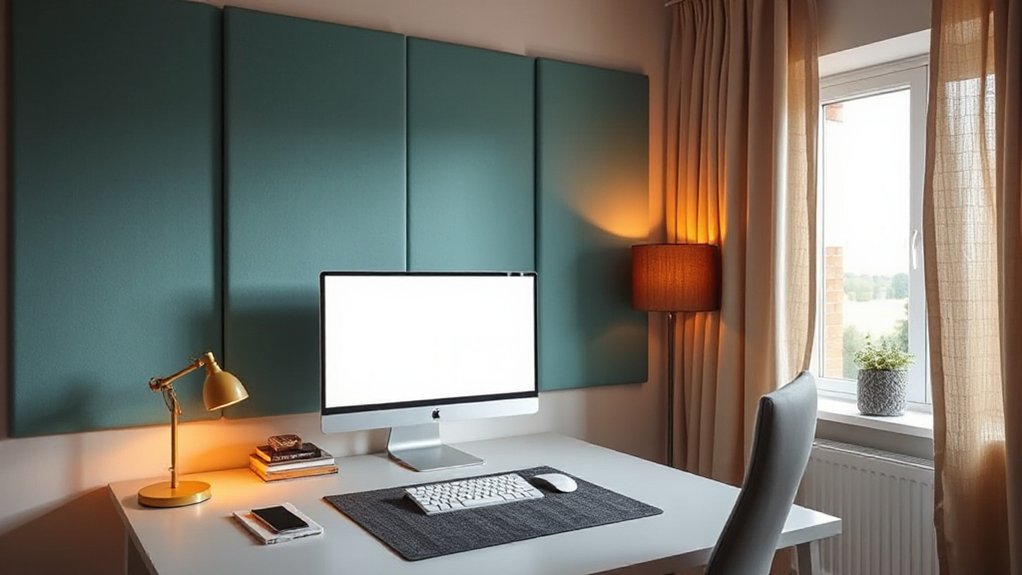
Tune your workspace with sound, color, and tech tweaks to boost focus, building on steady habits from earlier by layering environmental cues you can control. Start with soundscape selection that supports concentration—avoid sudden spikes in volume and favor steady, low-frequency tones during deep work.
Pair this with a simple color psychology approach: use muted blues or greens for calm focus, and reserve warmer accents for breaks to signal a shift. Optimize hardware: noise-canceling headphones, a timer, and a dedicated webcam or monitor arrangement reduce friction.
Implement quick tech tweaks like desktop shortcuts for focus apps, automatic dimming at sunset, and a single cable system to minimize clutter. Track impact weekly, adjusting sound levels, color balance, and device placement to sustain measurable gains.
Frequently Asked Questions
How Can I Measure WFH Productivity Beyond Hours Worked?
You can measure WFH productivity beyond hours by tracking time tracking for tasks and monitoring task completion rates, quality, and on-time delivery. Use data-driven dashboards, set baselines, review weekly, adjust priorities, and optimize workflows accordingly.
What Budgeted Gear Upgrade Offers the Best ROI?
Invest in ergonomic accessories and productivity apps; your best ROI comes from a comfortable, efficient setup paired with task-focused software. Track time saved, monitor posture gains, and quantify output to prove the upgrade’s value to stakeholders.
How Do I Manage Feedback and Accountability Remotely?
You’ll manage feedback remotely by establishing clear virtual check ins and feedback loops, despite concerns about micromanagement; you’ll set expectations, track progress with dashboards, and adjust cadence based on data to keep accountability transparent and actionable.
What Routines Prevent Burnout During Long WFH Days?
You prevent burnout by scheduling regular break time and prioritizing mental health checks; set micro-goals, stagger deep work, and log energy patterns. Use short breaks, quick resets, and data-driven adjustments to maintain focus and sustainable WFH pace.
How Can I Tailor Noise and Lighting to Different Tasks?
You tailor noise and lighting by task: dim, steady sound masking for deep focus, bright, even natural light for detailed work. Use data—track task duration, adjust sound levels and light temperature to optimize focus and readability.
Conclusion
You’ll actually stick to this plan when you treat it like a budget, not a sermon. Define goals, design zones, and optimize lighting as if they were monthly expenses you can’t ignore. Ergonomics? Consider it the CEO of comfort. Simple habits keep the rhythm; distractions don’t stand a chance. Personal touches—sound, color, tech tweaks—become your KPI boosters. Do the math: small, consistent tweaks yield big productivity dividends. Work smarter, not harder, and prove the data right—your desk will thank you.